
Central directory
IPBox lets you store your company phone contacts in a central directory. This is periodically downloaded to every single phone. Managing the company phone directory lets you:
- see on your phone display, in addition to the number, also the name and company of the person calling you;
- easily make outside calls, by searching for the number to call directly in the internal directory of your phone.
You can define a group of private contacts, which can be consulted and viewed only by those who have permission to do so. IPBox also allows integration with the contacts of your Google GMail account and soon also with the Microsoft Outlook address book.
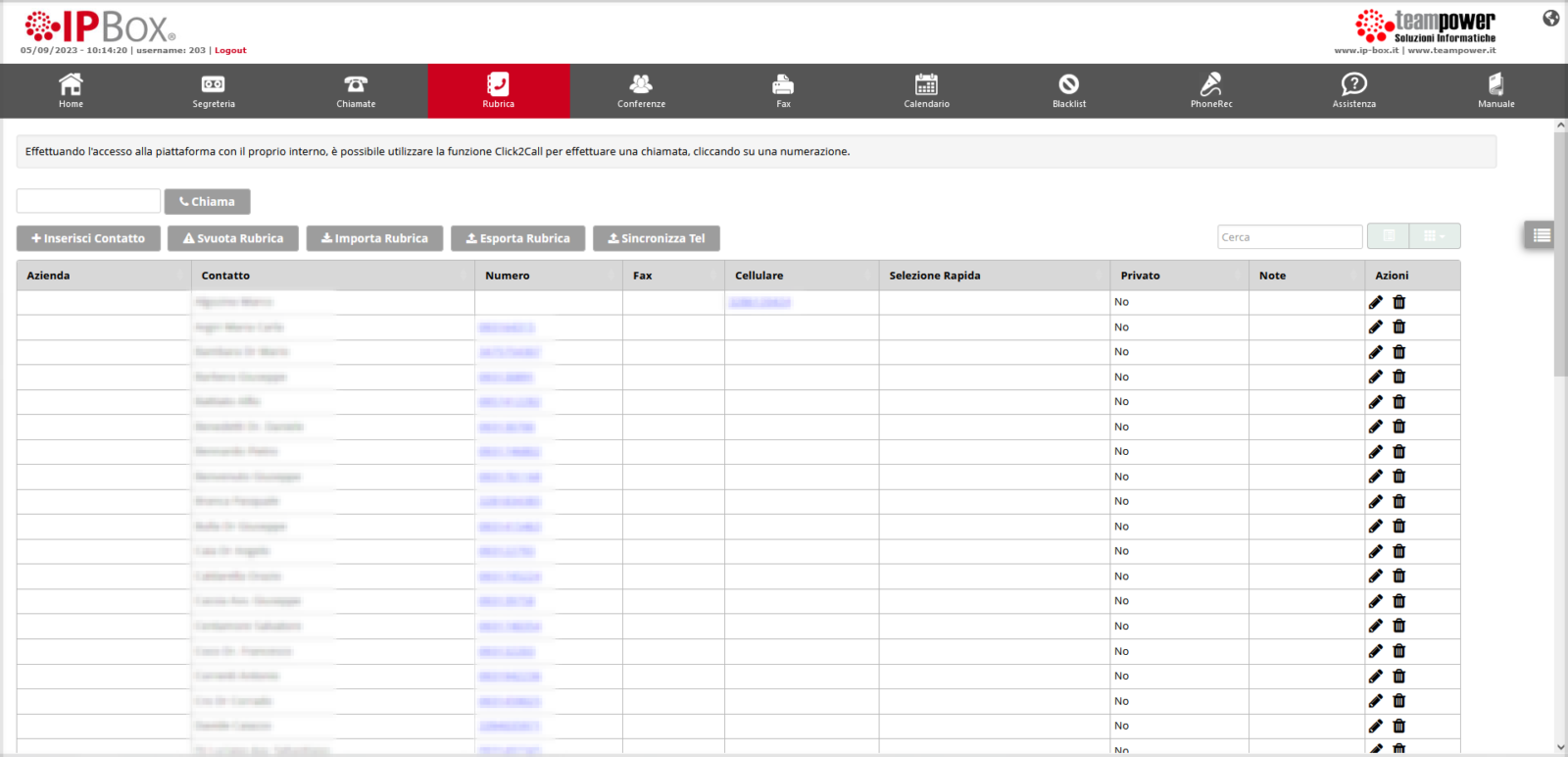
- 1. Import
- 2. Export
- 3. Synchronization
- 4. Company
- 5. Private
The screenshots show the Italian interface.